 ToDoops
How to use the generator
- Pick a routine. Morning, study, work or weekend. Each one starts with steps that work for most people.
- Make it yours. Untick what you do not need, change the minutes, move steps up, add your own and set the time you start. The times update as you edit.
- Take it with you. Print the checklist, save it as an image for your phone wallpaper or fridge, or share it with a friend.
Your routine is saved in this browser only. Nothing is uploaded.
What makes a routine stick
- Keep it short. Five to eight steps beat a perfect hour-by-hour plan you will abandon on day three.
- Anchor it to a time. A start time turns "someday" into "after breakfast".
- Make the first step tiny. Drinking a glass of water counts. Momentum does the rest.
- Track it, do not judge it. A missed step is information, not failure.
Example routines
| Routine | Length | Good for |
|---|---|---|
| Morning | about 80 minutes | Starting the day without rushing |
| Study | about 100 minutes | One focused evening or afternoon |
| Work | about 5 hours of blocks | Protecting deep work from meetings |
| Weekend | about 6 hours | Resting and still getting things done |
To keep a routine going every day, use the daily to-do list template or an app that renews the tasks for you.
FAQ
Is the routine generator free?
Yes. No sign-up, and everything runs in your browser.
Can I print the routine?
Yes. Press Print and only the checklist is printed, with empty boxes to tick by hand.
Can I save it as an image?
Yes. Download image saves a PNG you can set as a wallpaper or send in a chat.
How do I stick to a routine?
Keep it short, anchor it to a start time and track it daily. A streak makes the habit visible, and friends make it harder to skip.
Turn your routine into a game with friends.
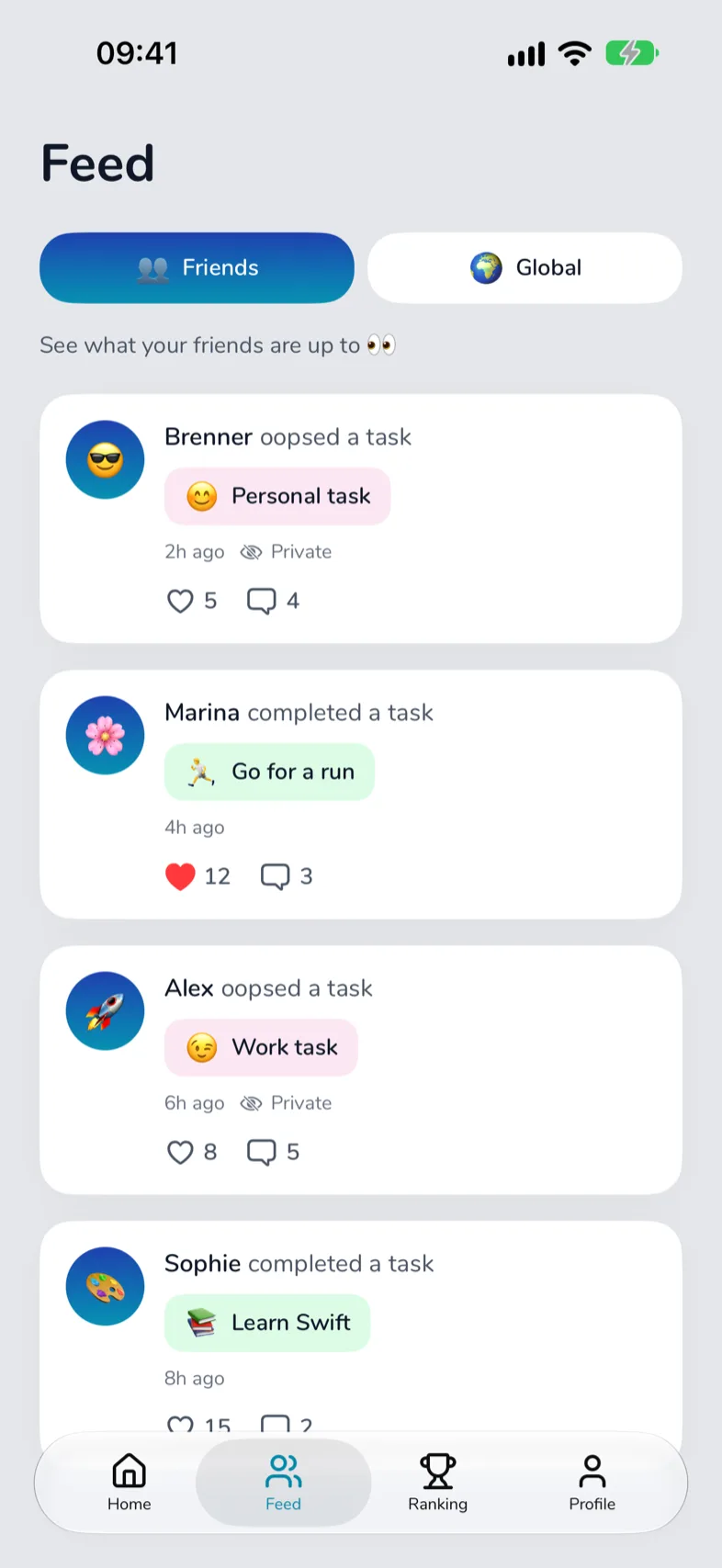
ToDoops keeps this kind of list for you: tasks that renew every day, a streak, and friends who cheer you on (or see your Oops).