 ToDoops
How to use the weekly planner
- Pick the week. It starts on the Monday of the current week. Use Next week to plan ahead on a Sunday.
- Write your top 3. Three outcomes that would make the week a good one, not three tasks you would do anyway.
- Fill in the days. Type a task under a day and press Enter. Tick it when it is done; it stays on the page, crossed out.
- Print it or save it as a PDF. Everything fits on one landscape A4 or Letter page, with empty lines left on each day for what comes up.
Prefer pen and paper? Print blank template gives you the same layout with no dates and no tasks, ready to fill in by hand.
A 15-minute weekly planning routine
The page works best with a short ritual at the same time every week, for example Sunday evening or Monday before you open your email.
- Empty your head. Write everything that is on your mind in the notes box. Do not sort yet.
- Choose the top 3. Look at the list and ask which three things would matter most by Friday. If everything feels urgent, sort it first with the Eisenhower matrix.
- Give each task a day. Put your top 3 work on the days with the most free time, ideally early in the week.
- Leave space. Fill five or six lines per day at most. The empty lines are for the things you cannot predict.
- Look back. Next week, before planning again, see what stayed unticked. Move it, drop it or break it into something smaller.
Weekly to-do list vs daily list
A weekly planner shows the whole shape of the week: which days are full, which are free, and whether your priorities got a slot at all. A daily list is better for the order of things inside one day. Many people use both: the week here, and each morning a short list for today, like the one in our daily to-do list template guide.
Time Blocking PlannerDrag blocks onto your day, see the totals, print it or export to calendar.FAQ
How do I save the weekly planner as a PDF?
Press Print or save as PDF, then choose “Save as PDF” (or “Microsoft Print to PDF” on Windows) as the printer. The page is set to landscape so the seven days and the notes fit on one sheet.
Can I print a blank weekly planner?
Yes. Print blank template prints the same grid with no dates, no tasks and empty lines on every day.
Does the week start on Monday?
By default it starts on the Monday of the current week. Pick any other date in Week of and the seven days start from there, so a Sunday start works too.
Is my plan saved?
Your tasks, priorities and notes stay in your browser's local storage, so they are still there when you come back on the same device. Nothing is sent to a server.
Can I use it on my phone?
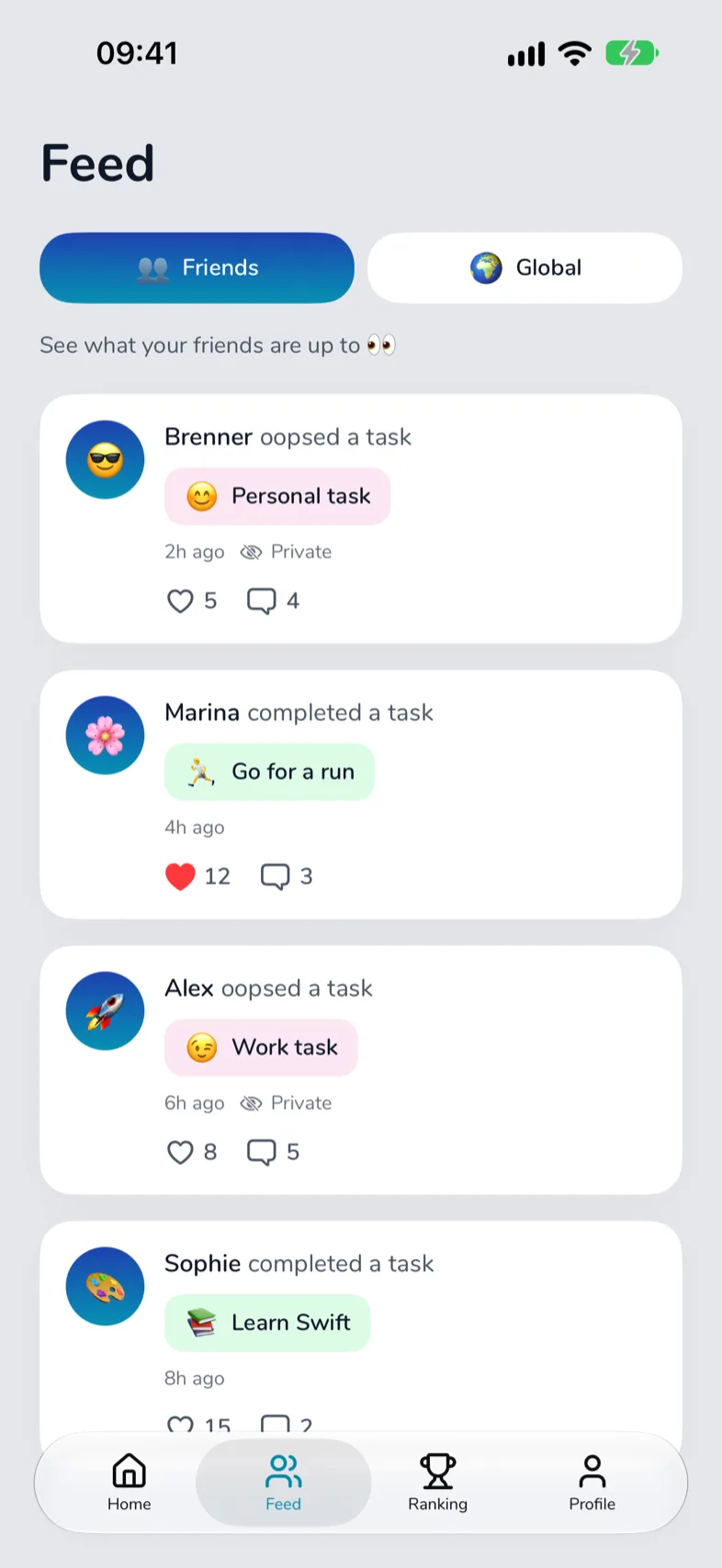
Yes. On a phone the days stack one under the other. For a list that repeats every week and reminds you, use the ToDoops app.
Turn your routine into a game with friends.
ToDoops keeps this kind of list for you: tasks that renew every day, a streak, and friends who cheer you on (or see your Oops).